Best Barcode Label Printer UK 2026 — Small Business Picks
You do not need an industrial printer to print barcodes. Any thermal label printer prints them; what matters is that the label is wide enough for the code, the print is sharp enough to scan, and the label lasts as long as the product sits on the shelf.
This guide is for small shops, online sellers and stockrooms printing tens or hundreds of labels a day, not thousands. Eight current printers, from a £40 phone-driven model to the office standard, ranked by job.
At a glance — the shortlist
| # | Model | Best for | Speed | Price band | Buy |
|---|---|---|---|---|---|
| 1 | Phomemo M110 2-inch Bluetooth Label Printer | Best cheap barcode label printer | Up to 30 labels/min | £42.49 | Amazon |
| 2 | Brother QL-820NWB | Best barcode printer for an office or stockroom | 110 address labels/min | £229.95 | Amazon |
| 3 | Phomemo M250 3-inch Bluetooth Label Printer | Best portable printer for wider labels | 30-50 mm/s thermal | £52.69 | Amazon |
| 4 | MUNBYN 130B (Bluetooth shipping) | Best for shipping and carton barcodes | 150 mm/s thermal | £79.99 | Amazon |
| 5 | Phomemo 241BT 4×6 Bluetooth Shipping Label Printer | Cheapest 4×6 barcode and shipping printer | Up to 72 labels/min | £59.99 | Amazon |
| 6 | Rollo Label Printer (USB) | Best for high daily volume | 150 mm/s thermal | £369.08 | Amazon |
| 7 | Brother QL-800 | Best budget 300 dpi barcode printer | 93 address labels/min | £94.99 | Amazon |
| 8 | DYMO LabelWriter 550 | For offices already on DYMO labels | 62 labels/min | £82.99 | Amazon |
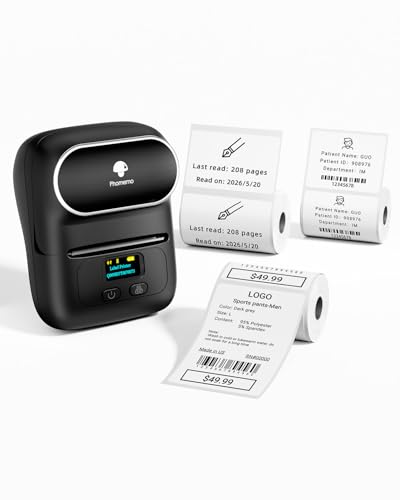
Phomemo · Up to 30 labels/min
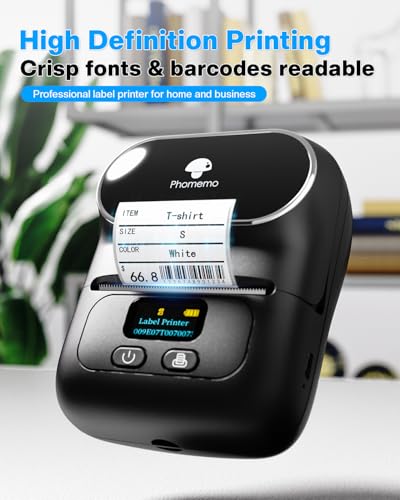
Best cheap barcode label printer
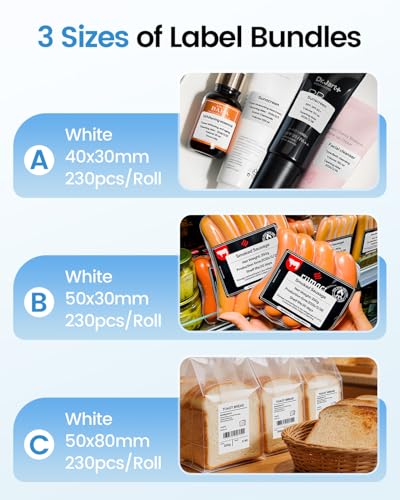
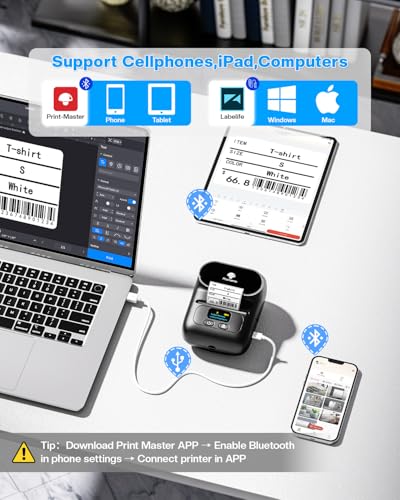
About £40, battery powered, and it prints barcodes, QR codes and price labels up to 50 mm wide from a phone app or a PC over USB. For a market stall, an Etsy shop or labelling a few hundred stock items, it is all the printer you need. Print resolution is 203 dpi, which is fine for barcodes on labels 40 mm wide and up.
The limits: 50 mm maximum width, and it is slow for long runs.
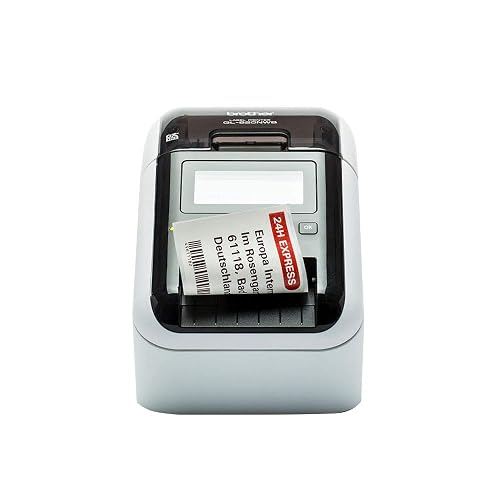
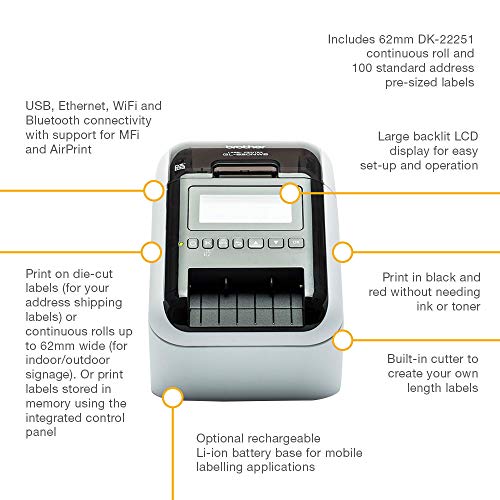
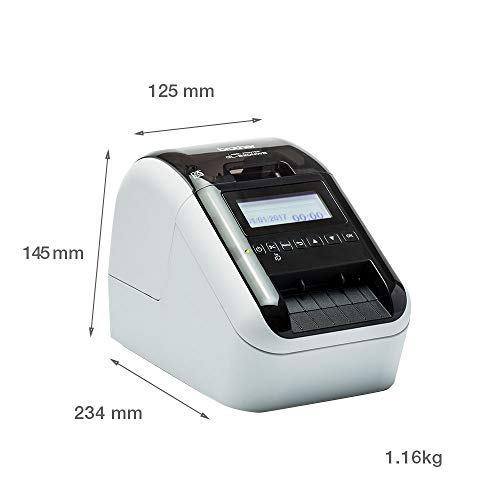
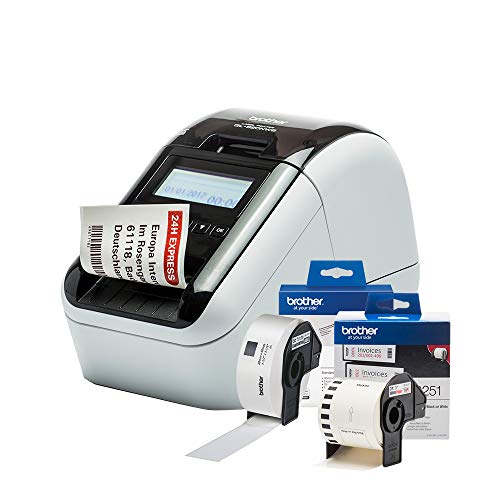
Brother · 110 address labels/min
Best barcode printer for an office or stockroom
The QL-820NWB prints at 300 dpi, which is what you want for small or dense barcodes, and connects by Wi-Fi, Ethernet, Bluetooth or USB so several people can print to it. Brother's free P-touch Editor software generates the common barcode types and can pull numbers from a spreadsheet for batch runs. Labels up to 62 mm wide, with a built-in cutter for continuous tape. £170–220.
Labels: DK-11201 die-cut or DK-22205 continuous.
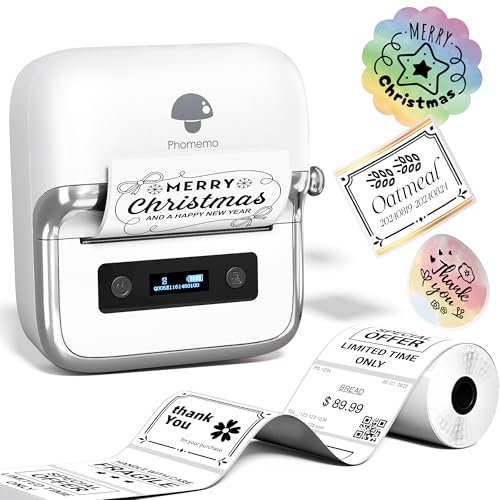
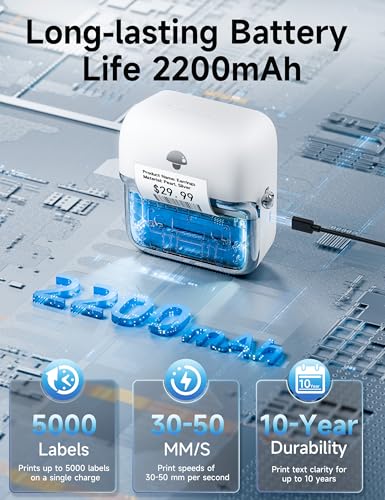
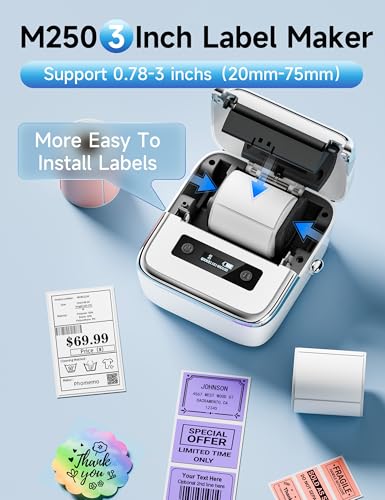
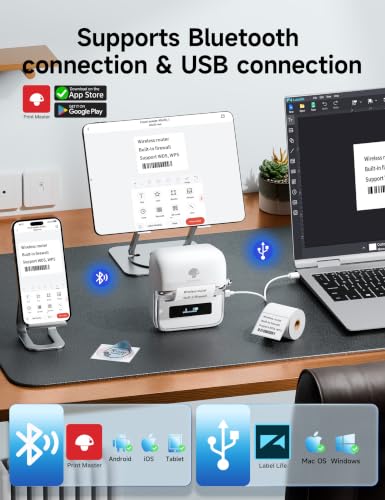
Phomemo · 30-50 mm/s thermal
Best portable printer for wider labels
The M250 takes the M110 idea up to 75 mm wide labels, enough for a product label with a barcode, a description and a price on it. Battery powered with a 2,200 mAh cell, Bluetooth to a phone, USB to Windows or Mac. A good fit for labelling on the shop floor or at a stall rather than at a desk.

MUNBYN · 150 mm/s thermal
Best for shipping and carton barcodes
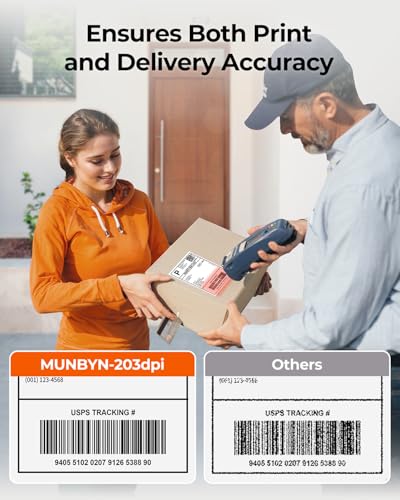
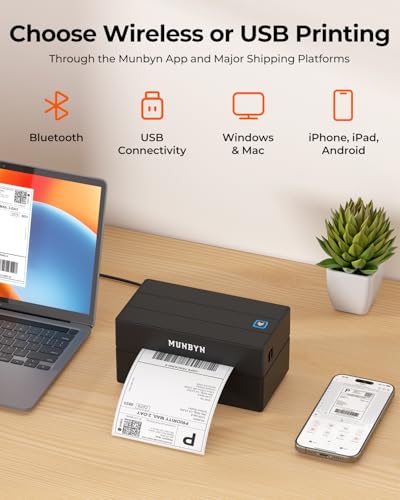
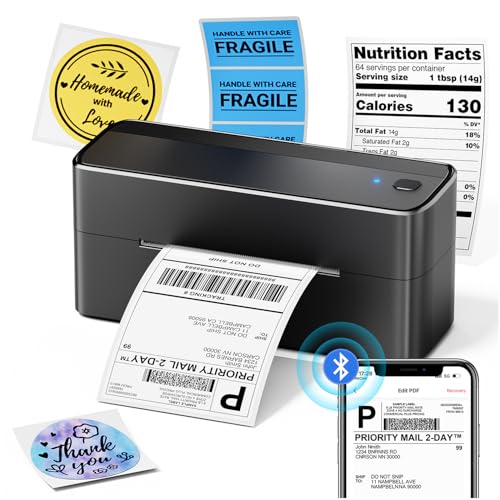
For 4×6 inch (100×150 mm) labels: courier labels, carton labels and large stock labels. The 130B prints at 150 mm a second over USB or Bluetooth and takes any brand of direct-thermal label, on rolls or fanfold stacks. If most of what you print is shipping labels with the occasional product barcode, buy this rather than a small-format printer.
Labels: MUNBYN 4×6 fanfold.
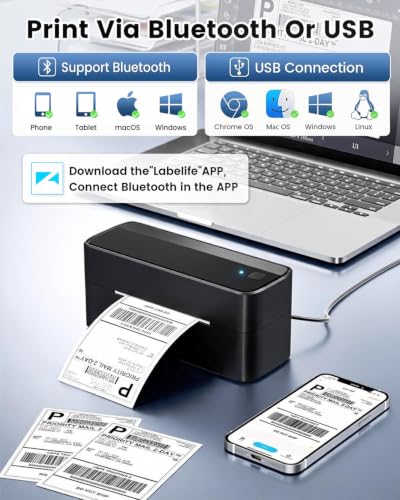
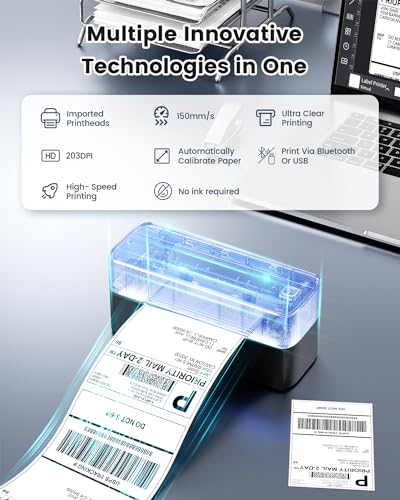
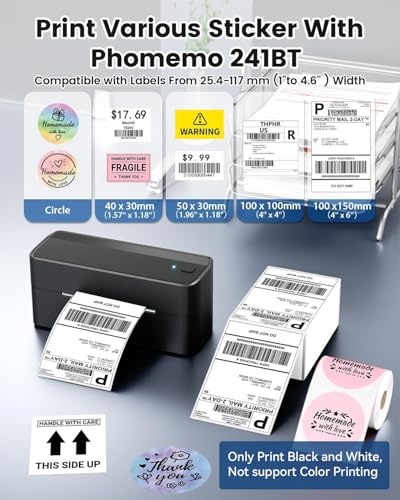
Phomemo · Up to 72 labels/min
Cheapest 4×6 barcode and shipping printer
Does the same job as the MUNBYN for about £60, with Bluetooth printing from a phone. Any brand of direct-thermal label. The choice between the two is mostly price on the day.

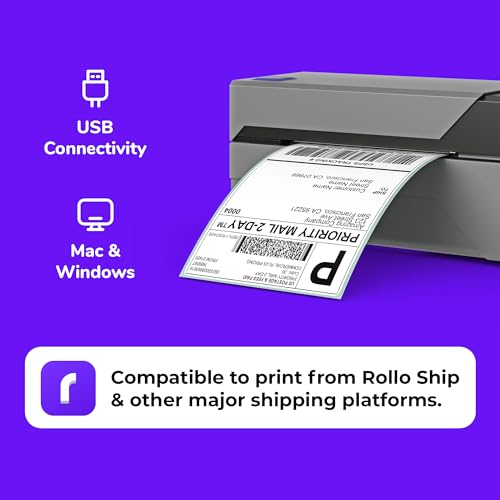
Rollo · 150 mm/s thermal
Best for high daily volume
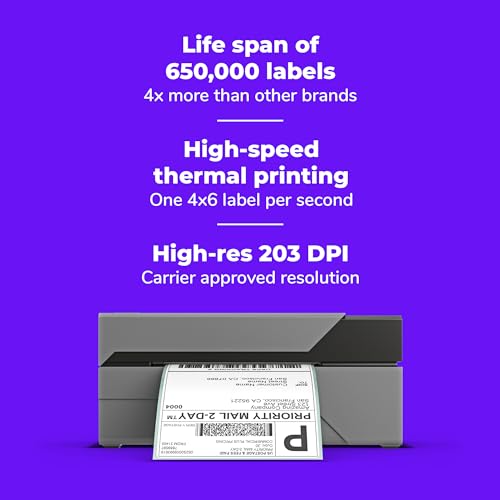
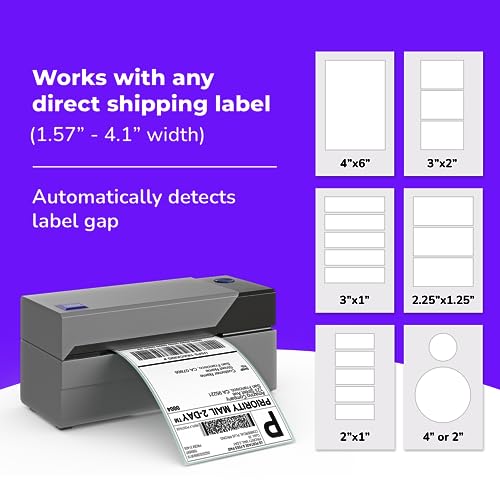
The Rollo is the workhorse of home-based e-commerce: USB, 150 mm a second, any label brand, and a reputation for running all day. It is the most expensive 4×6 printer here; it earns that if you are printing a hundred or more labels a day.

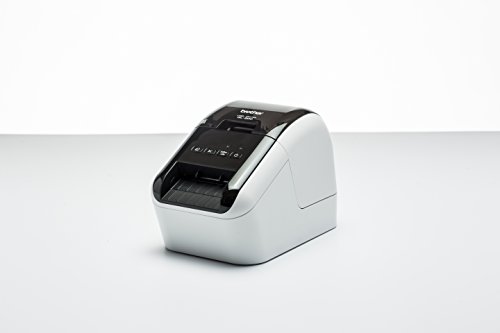
Brother · 93 address labels/min
Best budget 300 dpi barcode printer
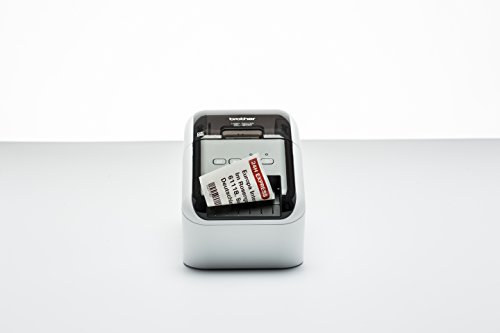
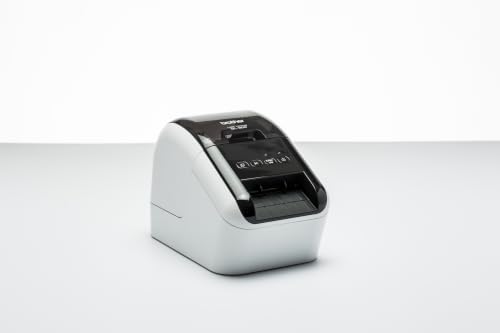
The same 300 dpi print engine and P-touch Editor barcode software as the QL-820NWB, without the wireless or the screen. USB to one PC. If the printer will sit next to the stock computer, this saves about £100.

DYMO · 62 labels/min
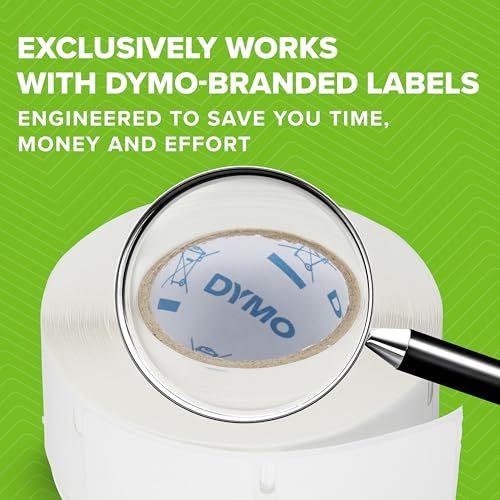
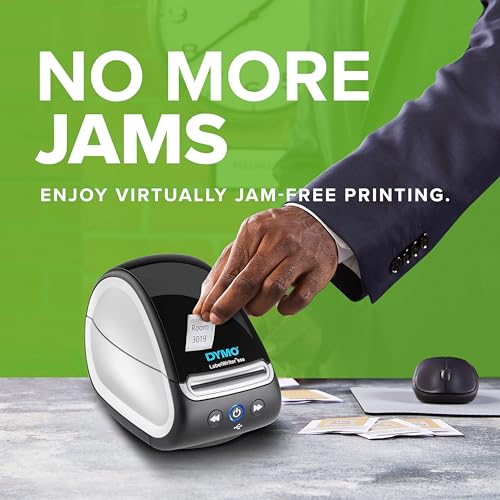
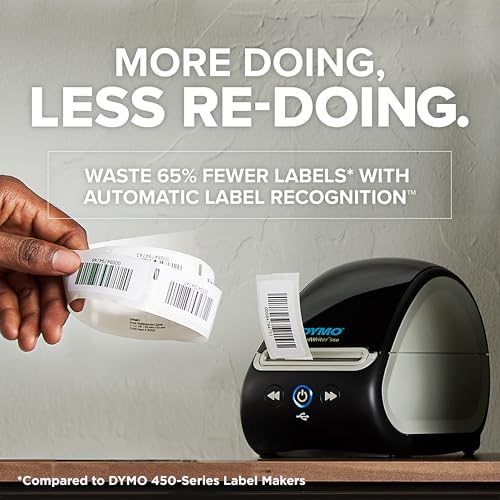
For offices already on DYMO labels
300 dpi and tidy software with barcode support, and DYMO labels are sold everywhere. But the 550 series only accepts genuine DYMO labels: it reads a chip on the roll and rejects anything else. That makes every barcode cost more than on a Brother or an open-label printer. Only choose it if you are already committed to DYMO.
What makes a barcode scan
- Size. A retail barcode (EAN-13) is designed to be about 37 mm wide at full size. It can be printed smaller, but below about 30 mm wide it needs a sharper printer and a better scanner.
- Resolution. 203 dpi is standard for thermal printers and is fine for barcodes at or near full size. 300 dpi (Brother QL, DYMO LabelWriter) is worth having for small labels, dense codes and QR codes with a lot of data.
- Quiet zone. Leave clear white space either side of the bars. A barcode that runs to the label edge is the most common reason for a failed scan.
- Contrast. Black on white. If prints look grey, raise the print density setting and clean the print head.
- Test it. Scan the first label of every batch with a phone or the scanner you will actually use.
Direct thermal or thermal transfer?
Every printer in this guide is direct thermal: heat darkens the label itself, with no ink or ribbon. Direct-thermal labels are cheap and simple, but they fade with heat, sunlight and time — fine for shipping labels and stock that turns over within months, wrong for labels that must last years or sit in a shop window. For those you need a thermal transfer printer, which melts a ribbon onto the label; that is the industrial class of printer and outside this guide.
Where the barcode numbers come from
The printer prints whatever number you give it. For your own internal stock codes, make up your own numbers and use Code 128 or a QR code. For products sold through retailers, you need genuine GTINs (the number under an EAN-13 barcode), which are licensed from GS1 UK. Amazon FBA uses its own FNSKU code for each product, which Seller Central gives you to print.
Which one to buy
- Small product and price labels, low volume: Phomemo M110, or the M250 for wider labels.
- Office, stockroom, small or dense codes: Brother QL-820NWB, or the QL-800 on one PC.
- Shipping and carton labels: MUNBYN 130B or Phomemo 241BT; Rollo at volume.
For address and general label printing see the best label printers guide; for tape labellers see best label makers.