Brother QL-820NWB vs DYMO LabelWriter 550 Turbo
By Seb Clark, Editor, UniDoc Solutions·Updated
The Brother. It's the more flexible printer, and DYMO's decision to lock the 550 series to genuine DYMO labels makes it far more expensive to run.
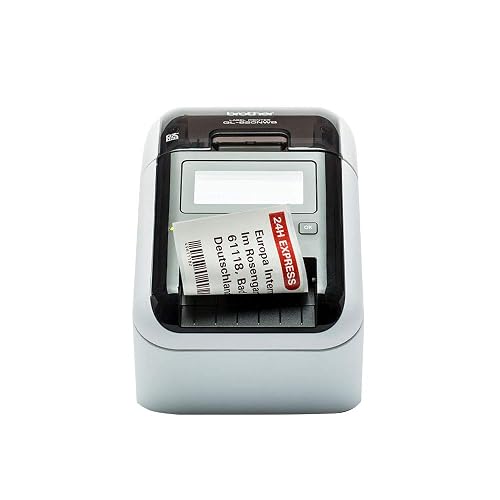
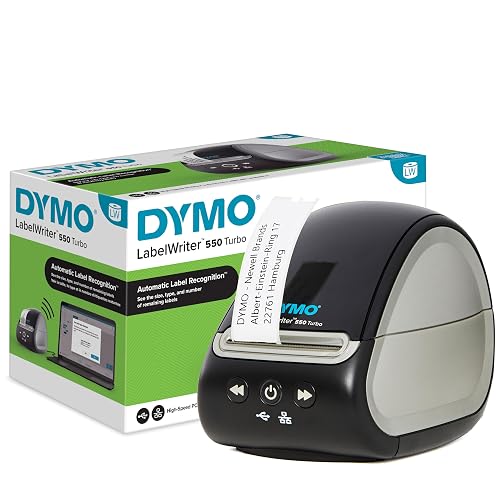
Side by side
| Brother QL-820NWB | DYMO LabelWriter 550 Turbo | |
|---|---|---|
| Price | £229.95 | £108.99 |
| Speed | 110 address labels/min | 71 labels/min |
| Brand | Brother | DYMO |
| Color | "red , Red & Black Print" | Label Machine |
| itemDimensions | Height 2.2474999977075 inches, Length 1.9374999980237 inches, Weight 2.5573622392 Pounds, Width 3.6269999963005 inches | Height 7.363385819261 inches, Length 4.988976372864 inches, Width 5.342913380377 inches |
| PartNumber | QL820NWBZG1 | 2112727 |
| Model | QL-820NWB | 2112727 |
| Warranty | 3 year manufacturer | 2 Year Manufacturer |
| Key points |
|
|
| Best for | Office address-label work where multiple users print without a PC — the most flexible Brother QL model. | Networked office DYMO setups — the Turbo's wired LAN is the differentiator. |
Which should you buy?
These are the two networked office label printers, both around £150–£220. The QL-820NWB has Wi-Fi, Ethernet, Bluetooth and USB, a backlit LCD with standalone keys so you can print stored labels without a PC, prints black and red on DK-22251 tape, and accepts both Brother DK rolls and the huge market of compatible rolls at a third of the price. The LabelWriter 550 Turbo has USB and Ethernet, is a little faster on address labels, and uses DYMO's Automatic Label Recognition — a chip in the roll that tells the printer what's loaded. That chip also means only genuine DYMO labels work. Third-party rolls are rejected outright.
DYMO Connect software is arguably nicer than Brother's P-touch Editor, and if your office already runs on DYMO templates that's a real reason to stay. Otherwise the QL-820NWB's connectivity and open label supply win comfortably.